
Jam Sesh-ion 🎶
Table of Contents
Our Team Contract
Overview
Many University of Hawaiʻi students have incredible musical talent but lack a simple way to connect with others who share compatible musical skills and interests. This gap means they miss out on the joy of informal jam sessions that could grow into dynamic performing groups.
The Solution
Jam Sesh-ion offers a creative platform where students can easily connect and collaborate musically. Users can log in or create profiles showcasing their musical tastes, skills, and goals—whether they’re into occasional jam sessions or looking to form a serious band. Each profile can include links to YouTube videos or SoundCloud tracks, allowing students to share examples of their musicianship and find others who align with their style and vision.
User Guide
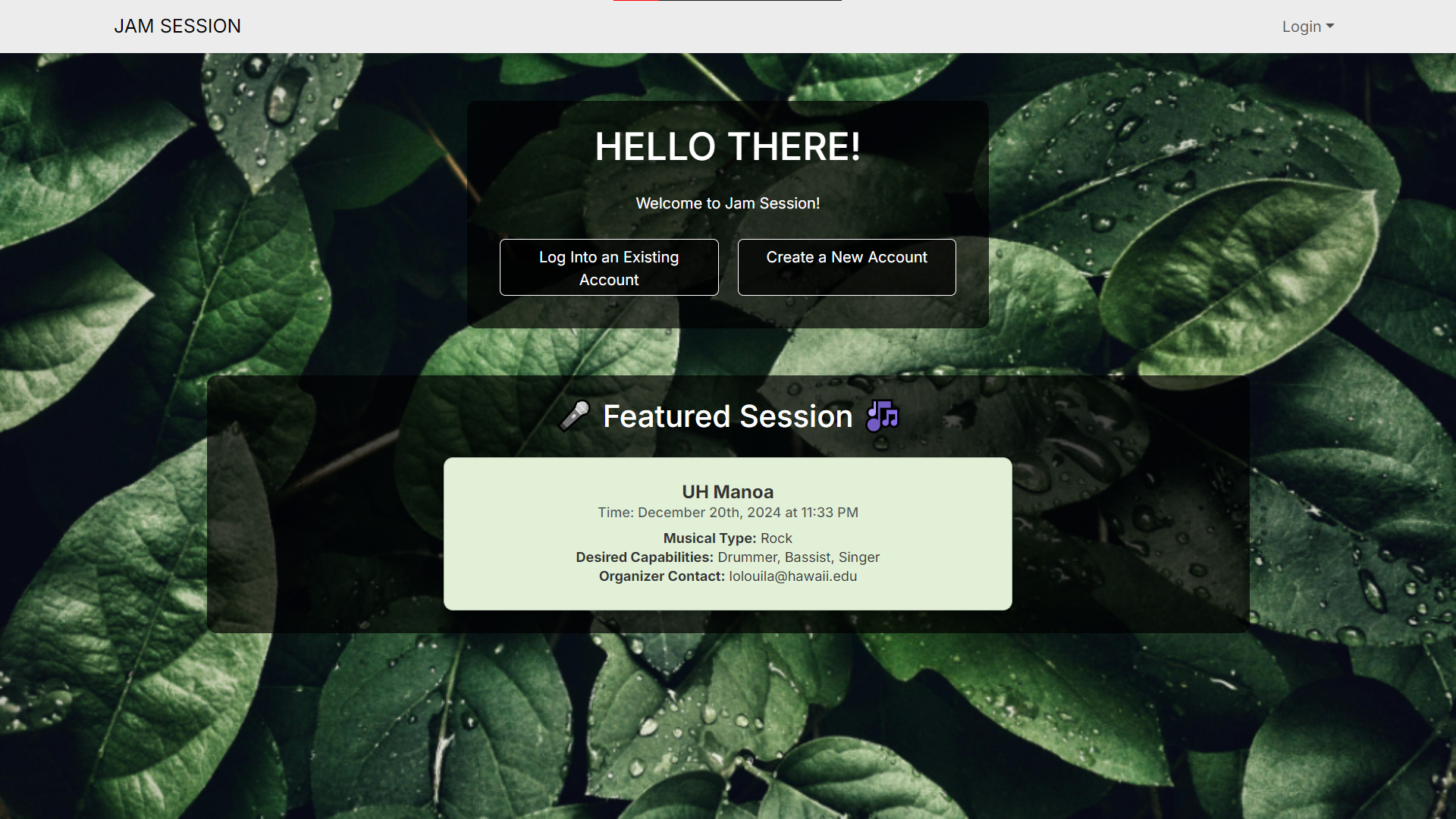
Upon viewing the application, the user is greeted with the landing page, which prompts them to log in to or create an account.
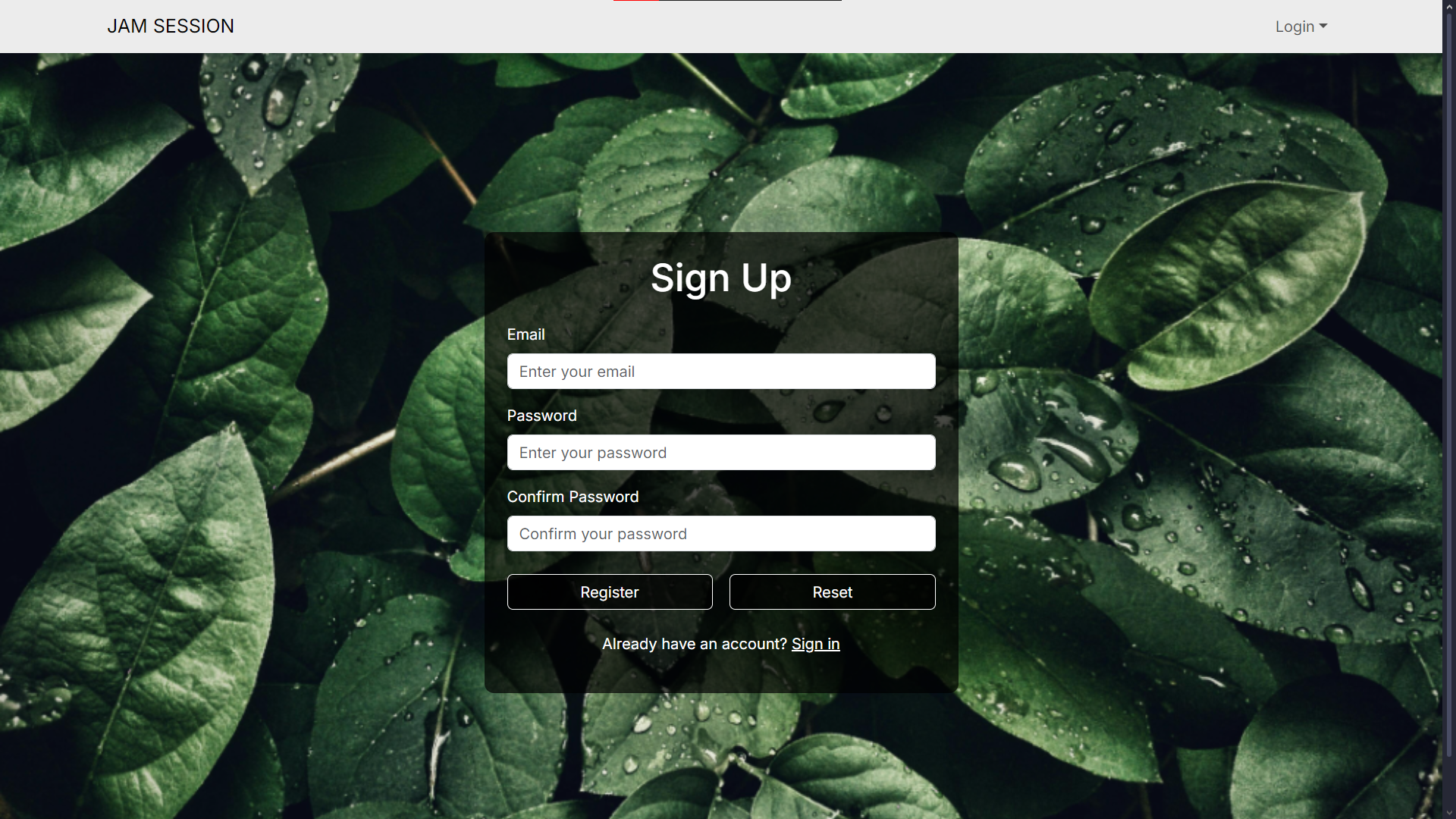
The user can create an account on the signup page.
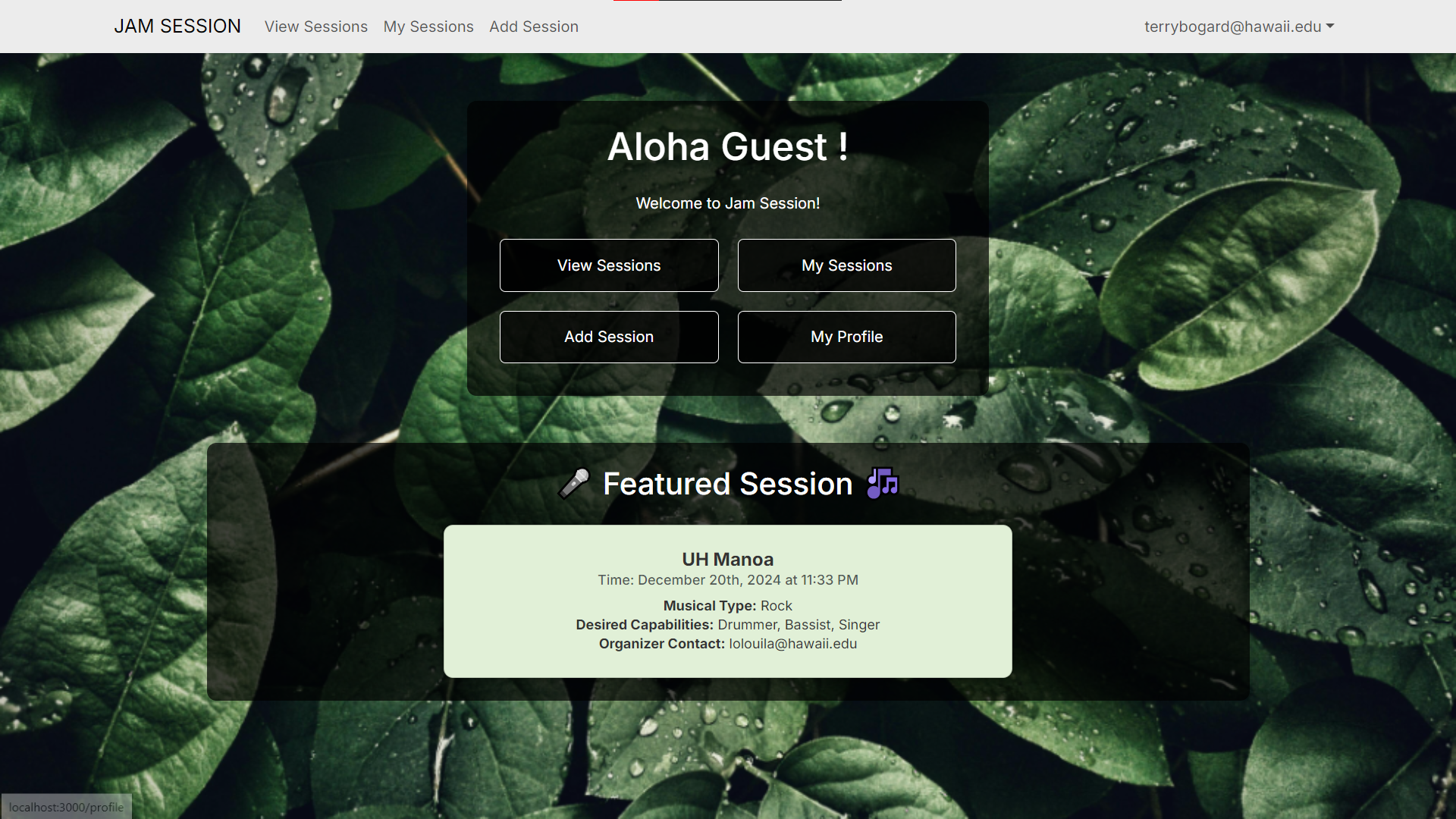
After logging in, the user is greeted with the home page.
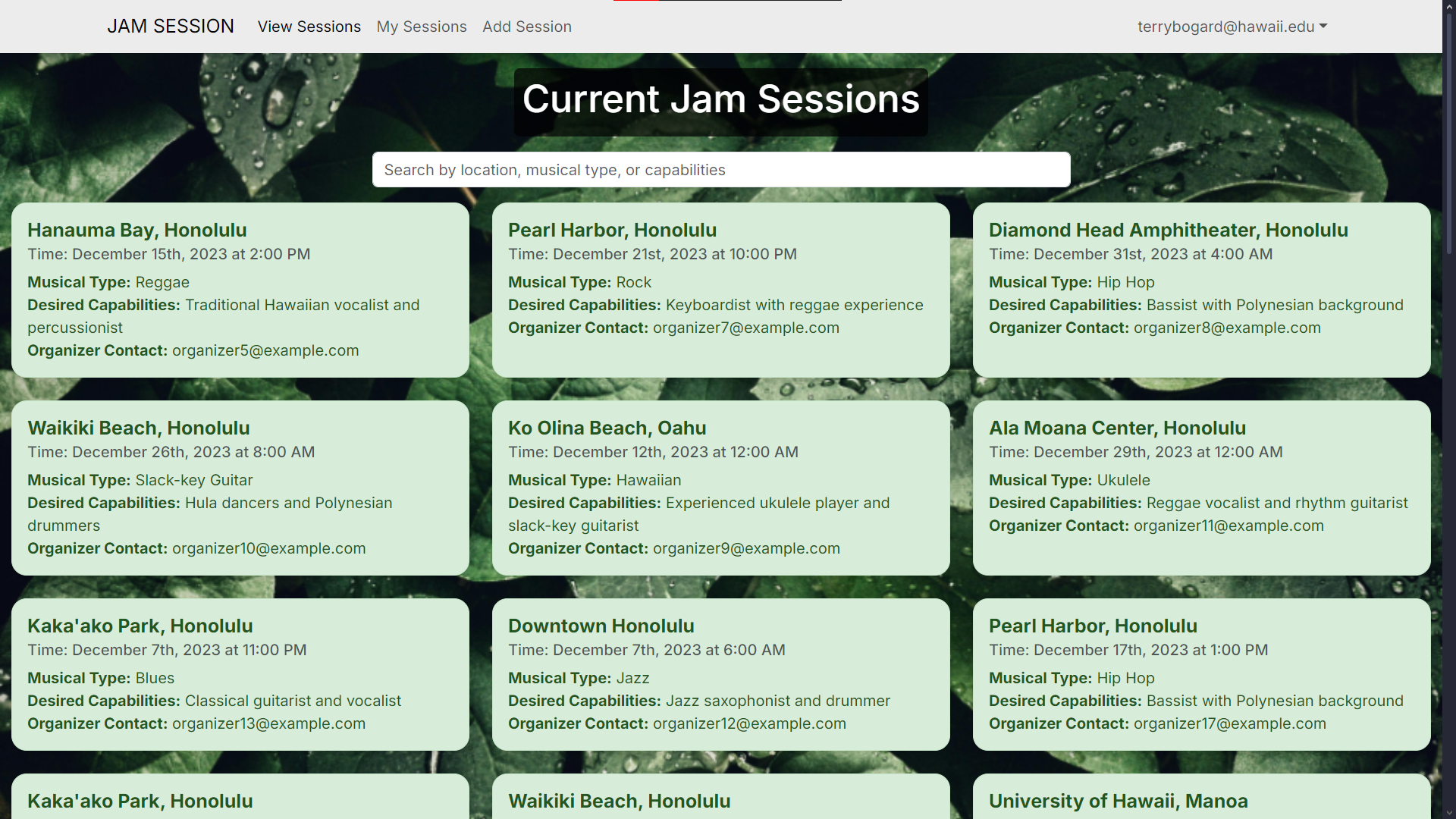
Here, the user can view the currently posted Jam Sessions:
Post a new session:
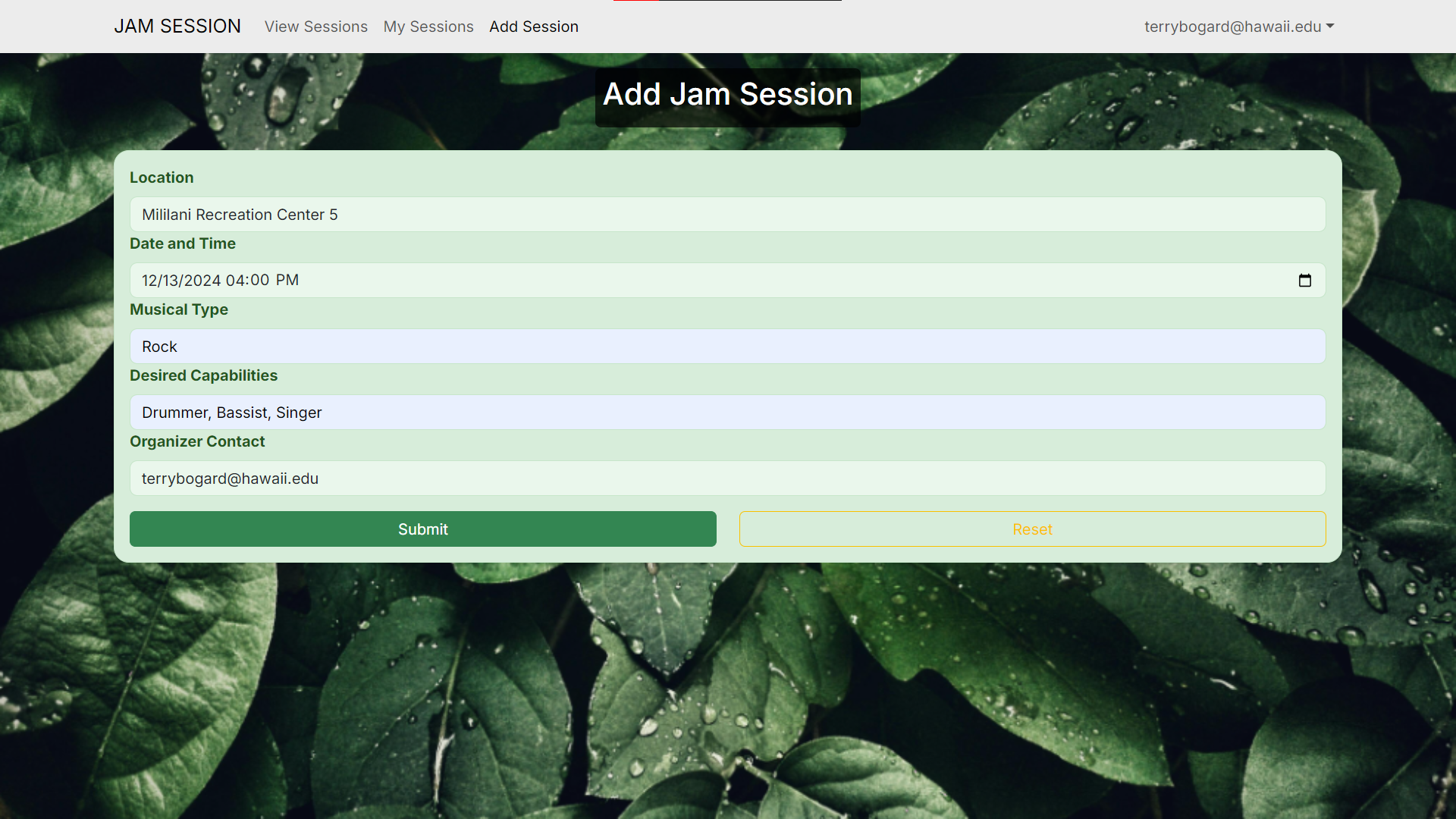
View their own sessions:
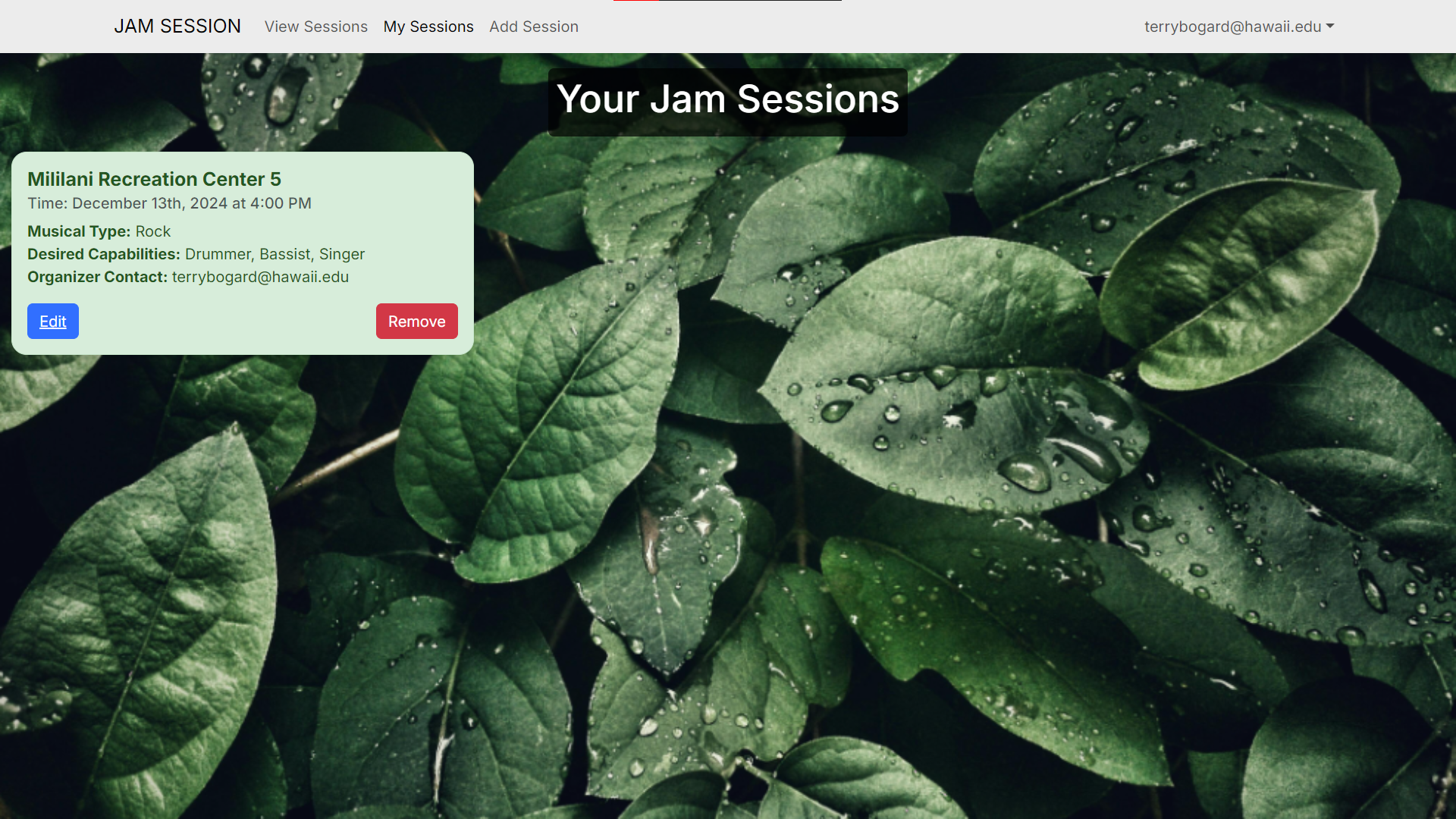
View their own profile:
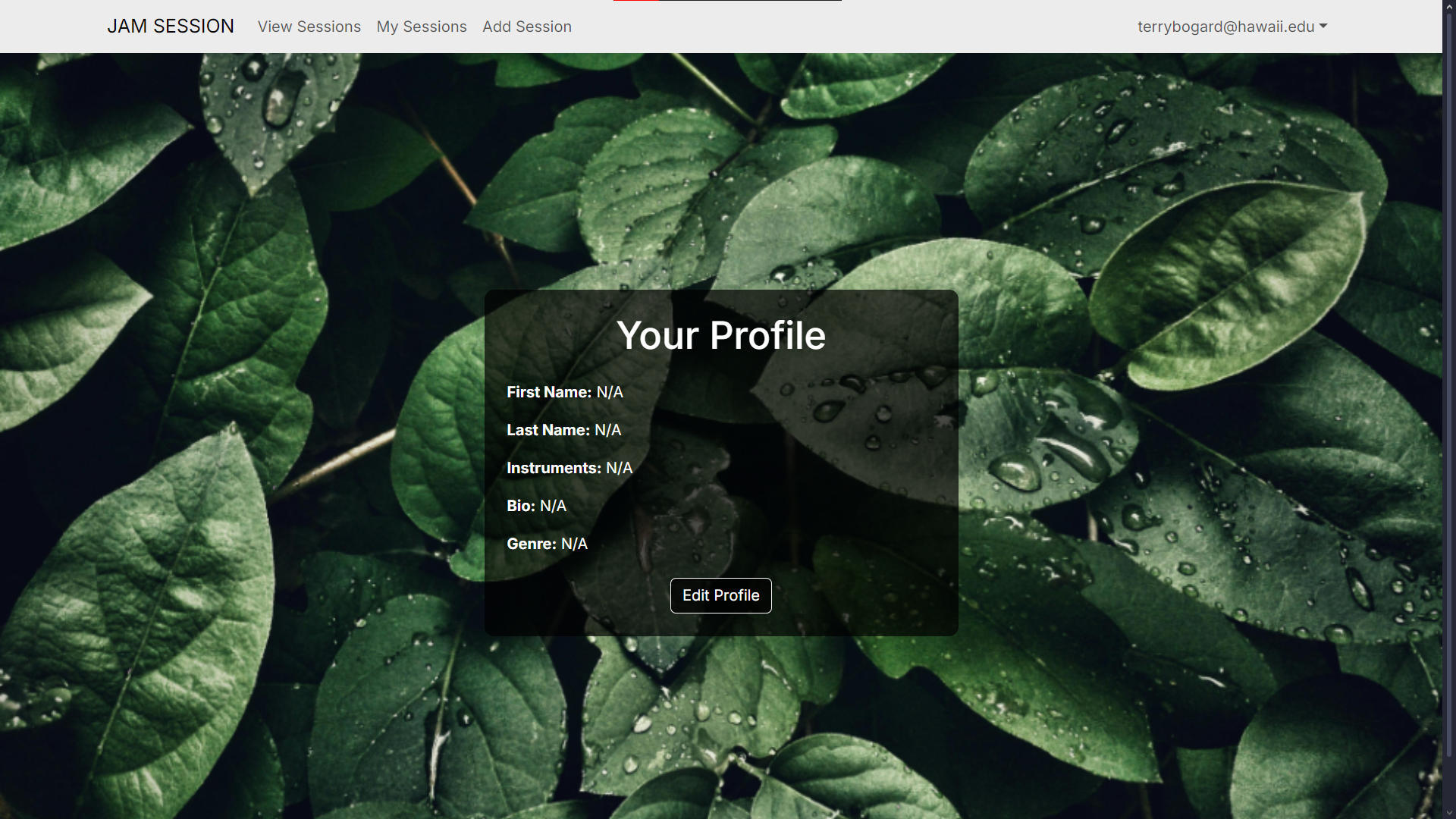
And edit their profile:
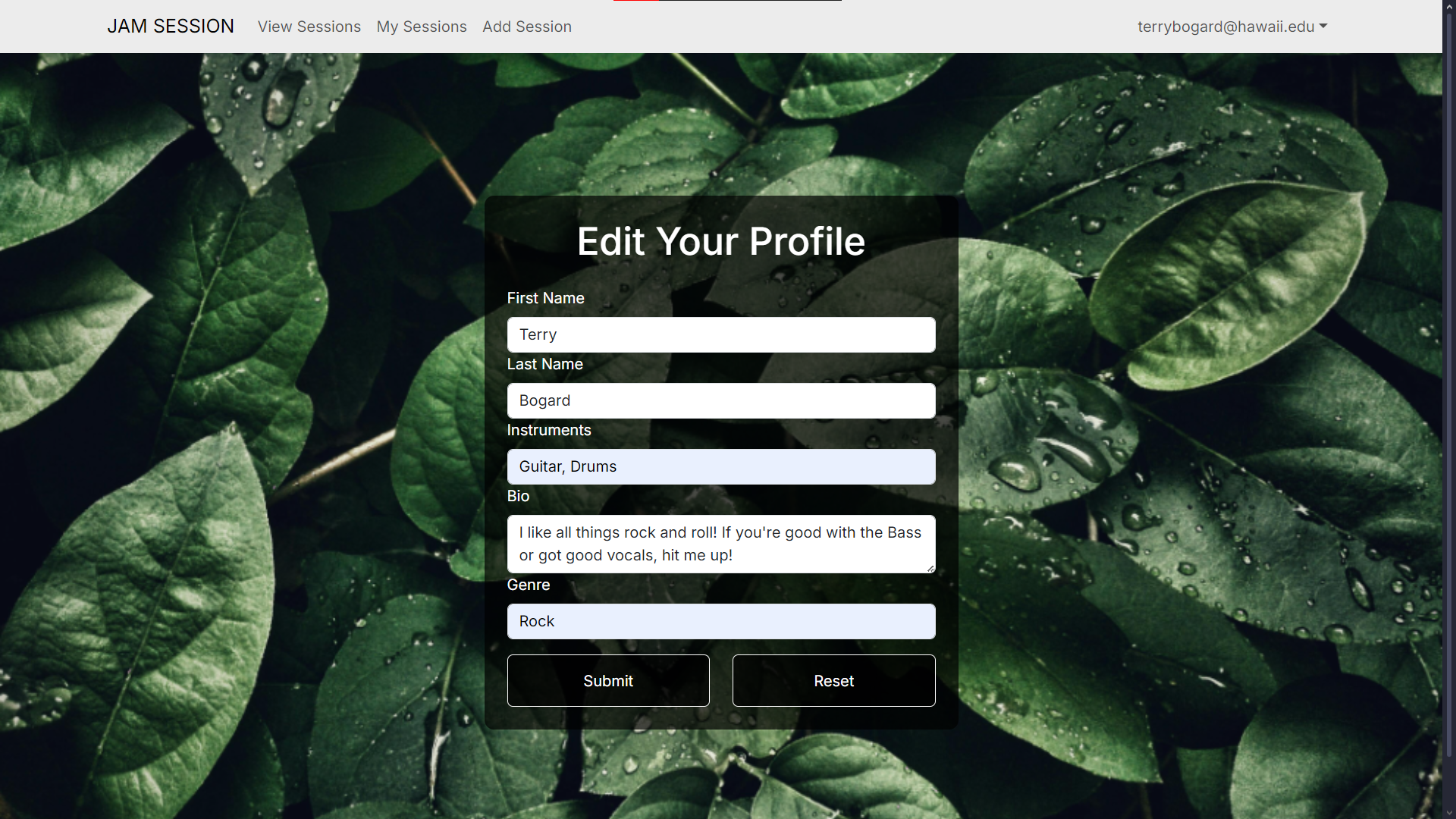
Community Feedback
After having five other students try out our application, they had a few suggestions on how to improve our app, and noted a few things that they liked.
- User friendly to anyone who isn’t familiar with the application, or with music
- Users liked the presentation of the application, stating that it looks pretty and they like the nature-y asthethic, although they are unsure about how nature connects to a music app.
- They liked how easy it was to add and manage sessions.
- They liked the search function in the view sessions page.
- They didn’t like that there wasn’t a feature to show the current capacity of a session. They had no way of knowing if a session was filled up or not.
- Some users liked the profile aspect, but others didn’t really know why they were needed.
- If possible, have a system where you can contact the person who created the session. For future improvements if we were able to do this again.
Developer Guide
To build the application, npm is required, which comes with Node.js. Go to the Node.js official website to install it.
In addition, postgreSQL is also required to store app information in a database. Visit the PostgreSQL page to install it as well.
Download or clone the repository to your computer, and run npm install in the root directory.
Set up a database for the app by running createdb jam-session in the command prompt.
Copy the sample.env file to a new file called .env, and edit the file, setting the DATABASE_URL to
postgresql://username:password@localhost:5432/jam-session?schema=public
replacing username and password with your postgreSQL credentials.
Migrate the database by running npx prisma migrate dev, and seed it with npx prisma db seed.
Finally, run the app with npm run dev, checking localhost:3000 in your browser to view it.
Development History
Milestone 1
The issues that were completed for this milestone include:
- The creation and styling of the landing, sign in, and profile pages
- The addition of profile information into the prisma schema
- The addition of session information into the prisma schema
- The creation of the session view page and edit profile page
- The deployment of the app to Vercel
Current screenshots of our progress so far:
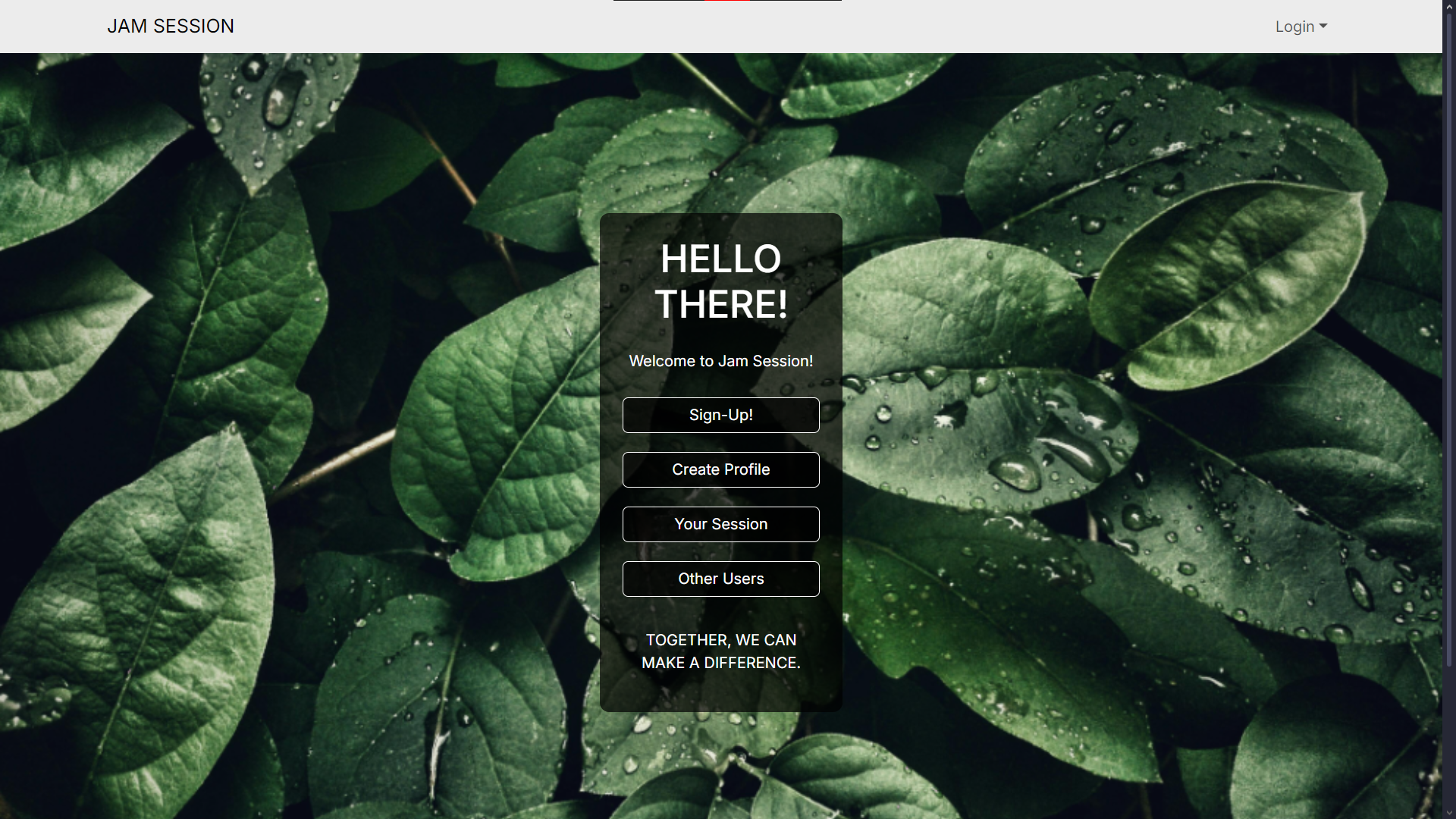
We started on creating the home / landing page where users are directed once they are logged in.
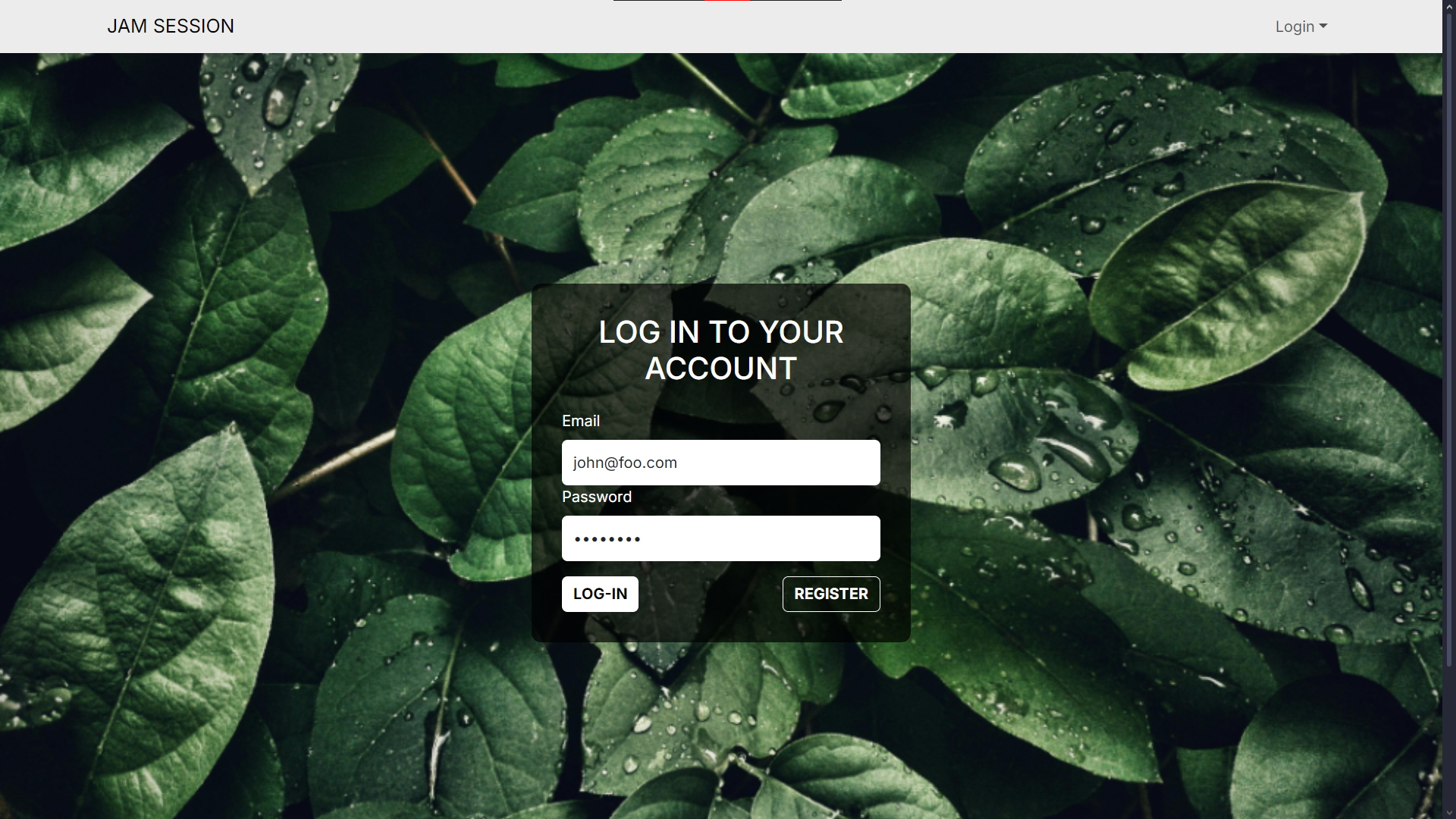
Created a page dedicated to logging in.
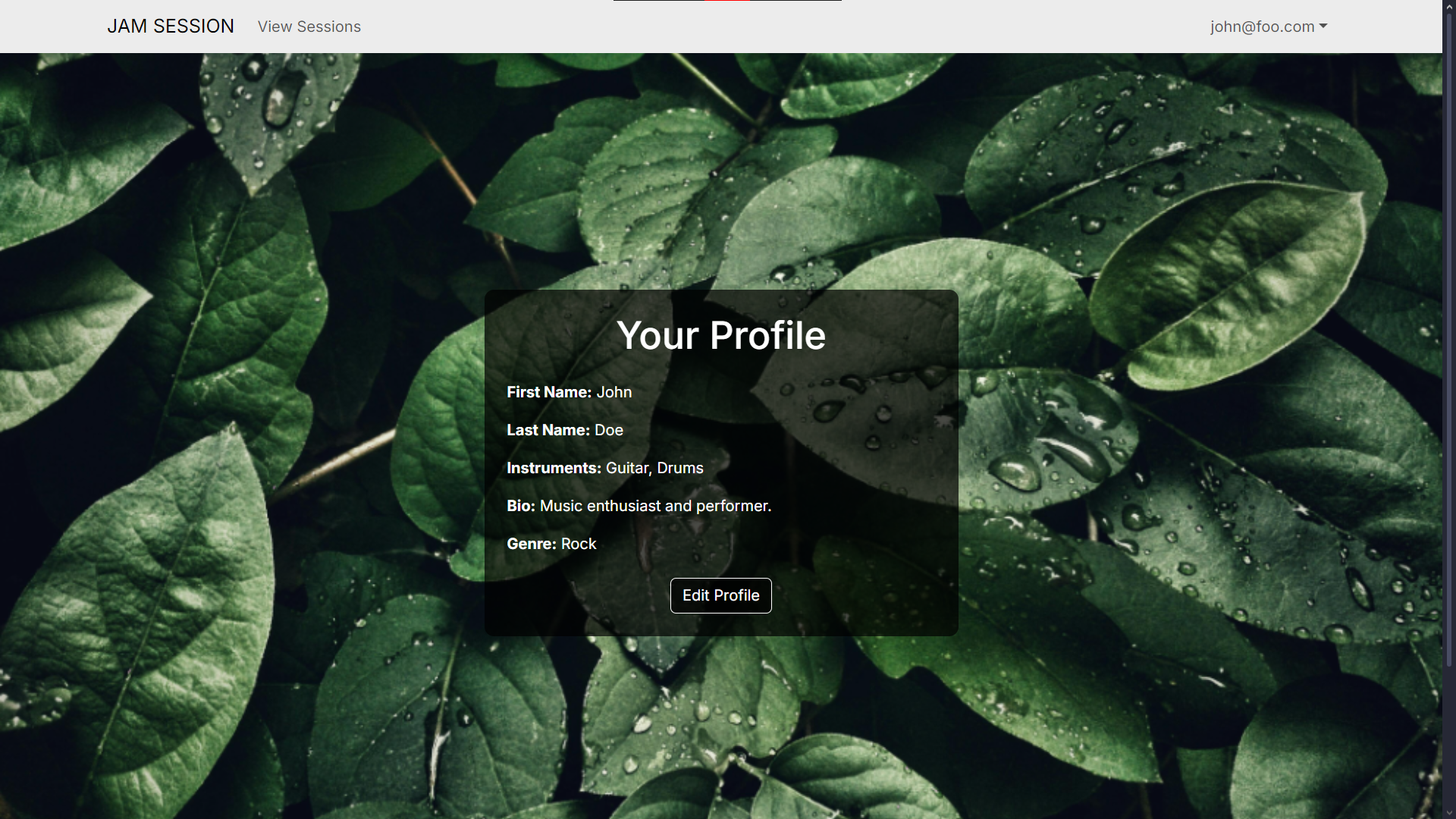
Page to view your own profile information.
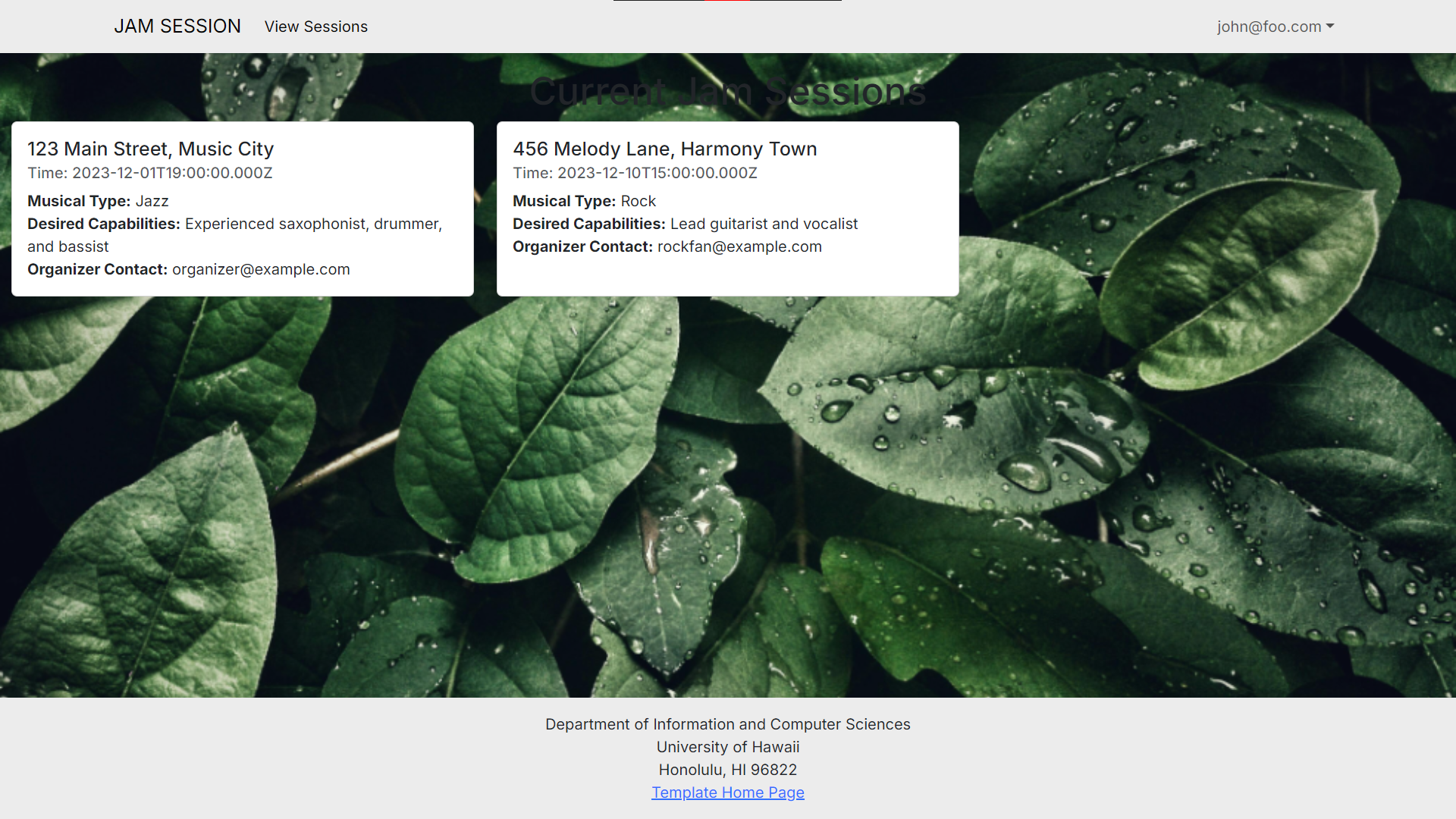
Page that shows the current jam session that is happening in real time.
Milestone 2
This Milestone will be focused on both styling and functionality. By this Milestone, every page should be styled correctly, and these functionalities should be implemented:
- A page that allows the user to create sessions
- A session management page that allows the user to manage their own sessions
- Users can upload profile pictures to their profile
- A landing page that shows a featured session
Current Screenshots of what we comepleted for this milestone:
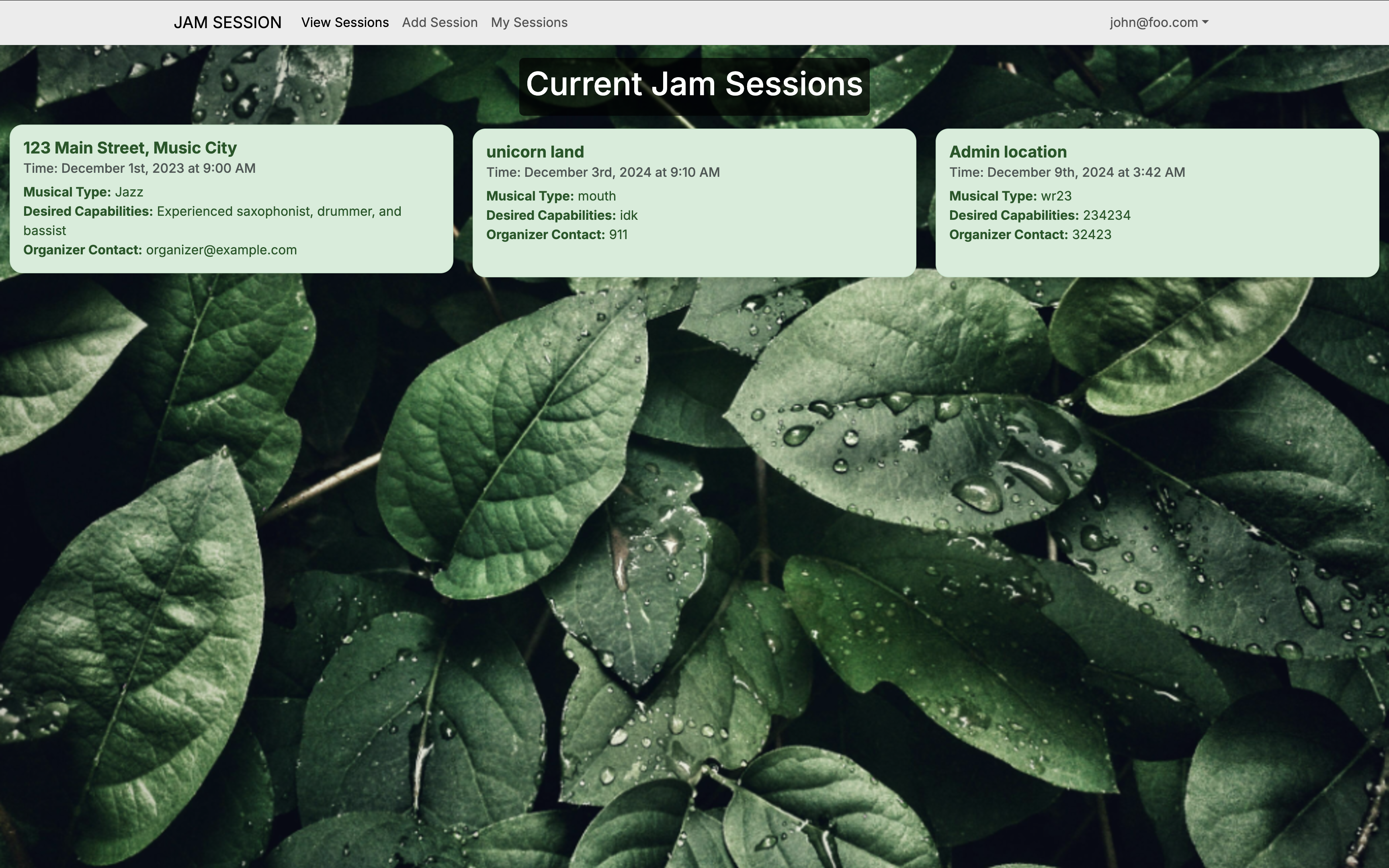
Made the session page appear more ‘user friendly’ and added color
Added a page for user to add your own session to the list
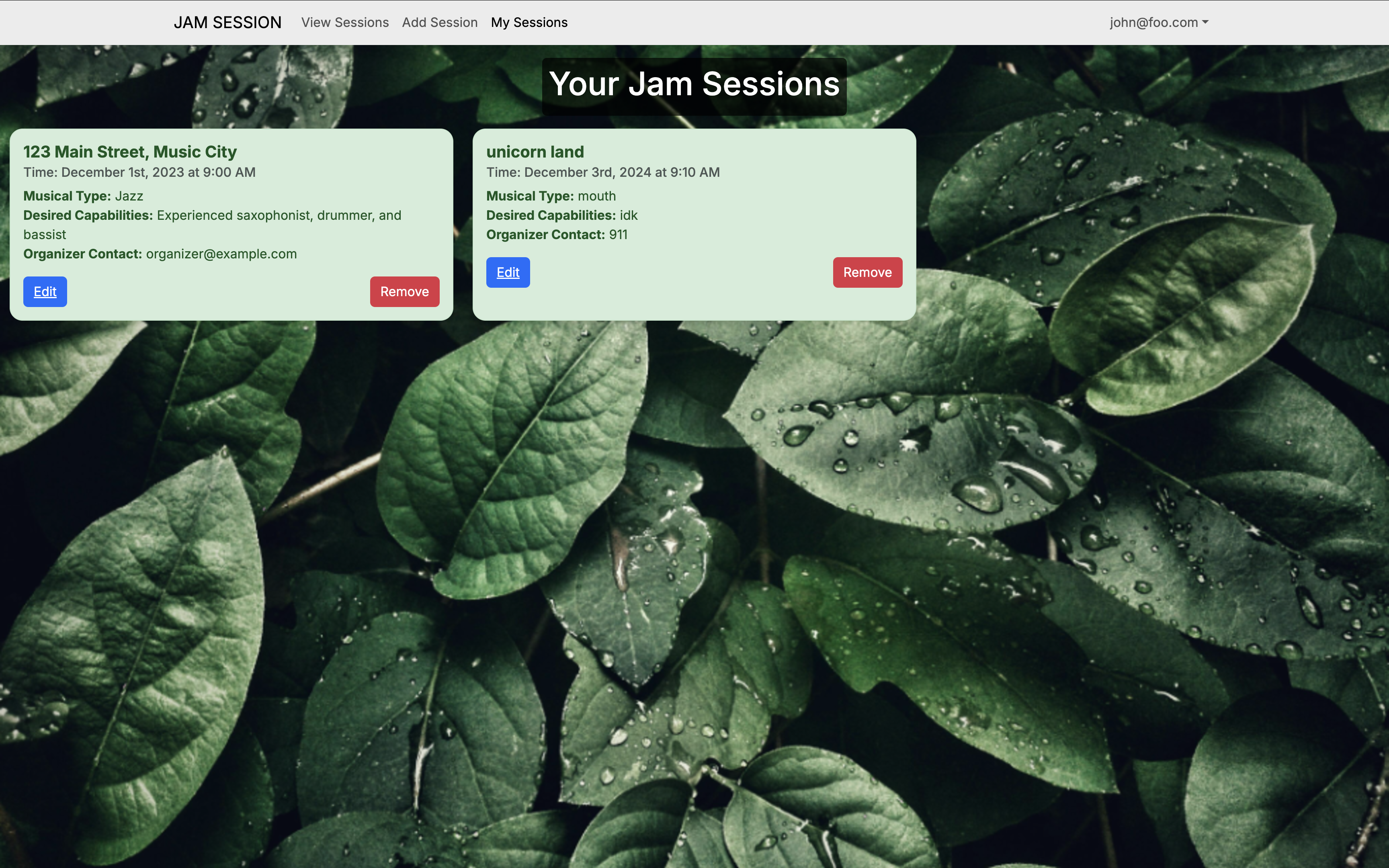
A page to only show the sessions which session the user is participating in.
Milestone 3
This Milestone will focus on finalizing the core features and improving the overall user experience. By this Milestone, the following functionalities should be completed:
- Allow users to see each other’s profiles
- Allow users to sign up for jam sessions
- Change the color of the session depending on if it still needs signups or not
- Allow users to upload profile pictures to their profile
- Create a landing page that shows a featured session
Screenshots of what we have completed for this milestone:
Updated the home / landing page to a more ‘user friendly’ look. Added the featured session section.
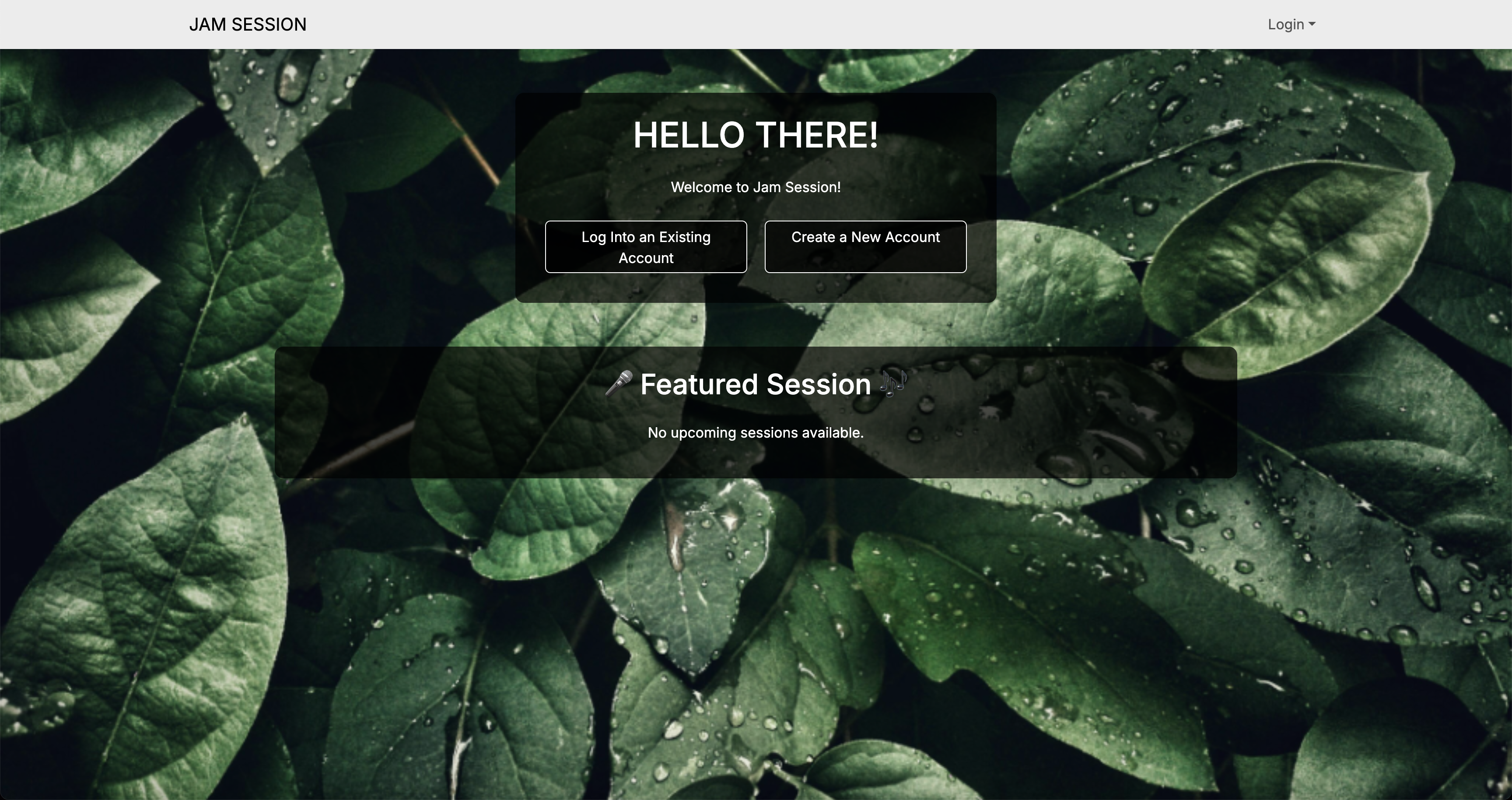
Now looks different when you are logged in compare to when you are logged out.
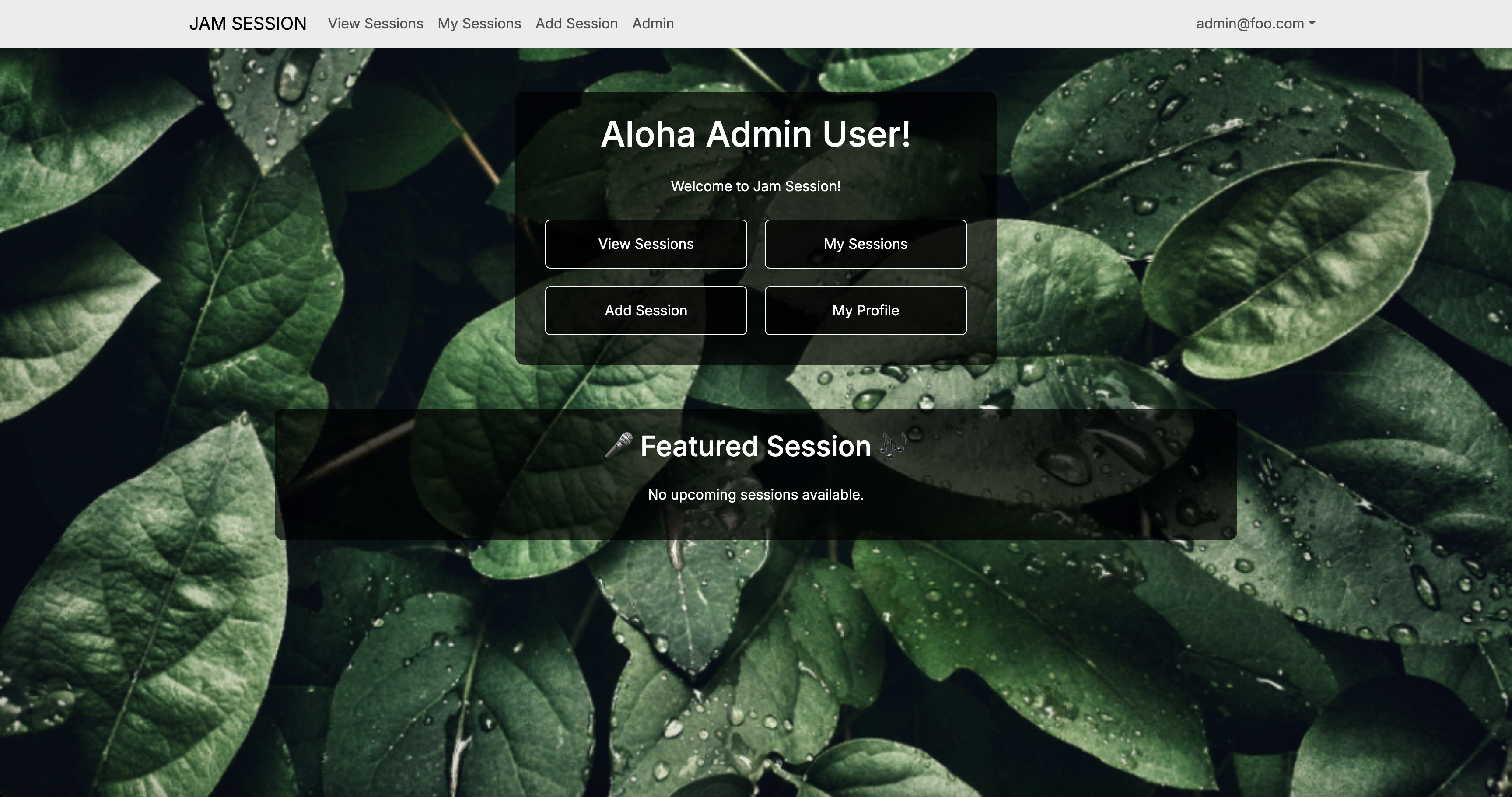
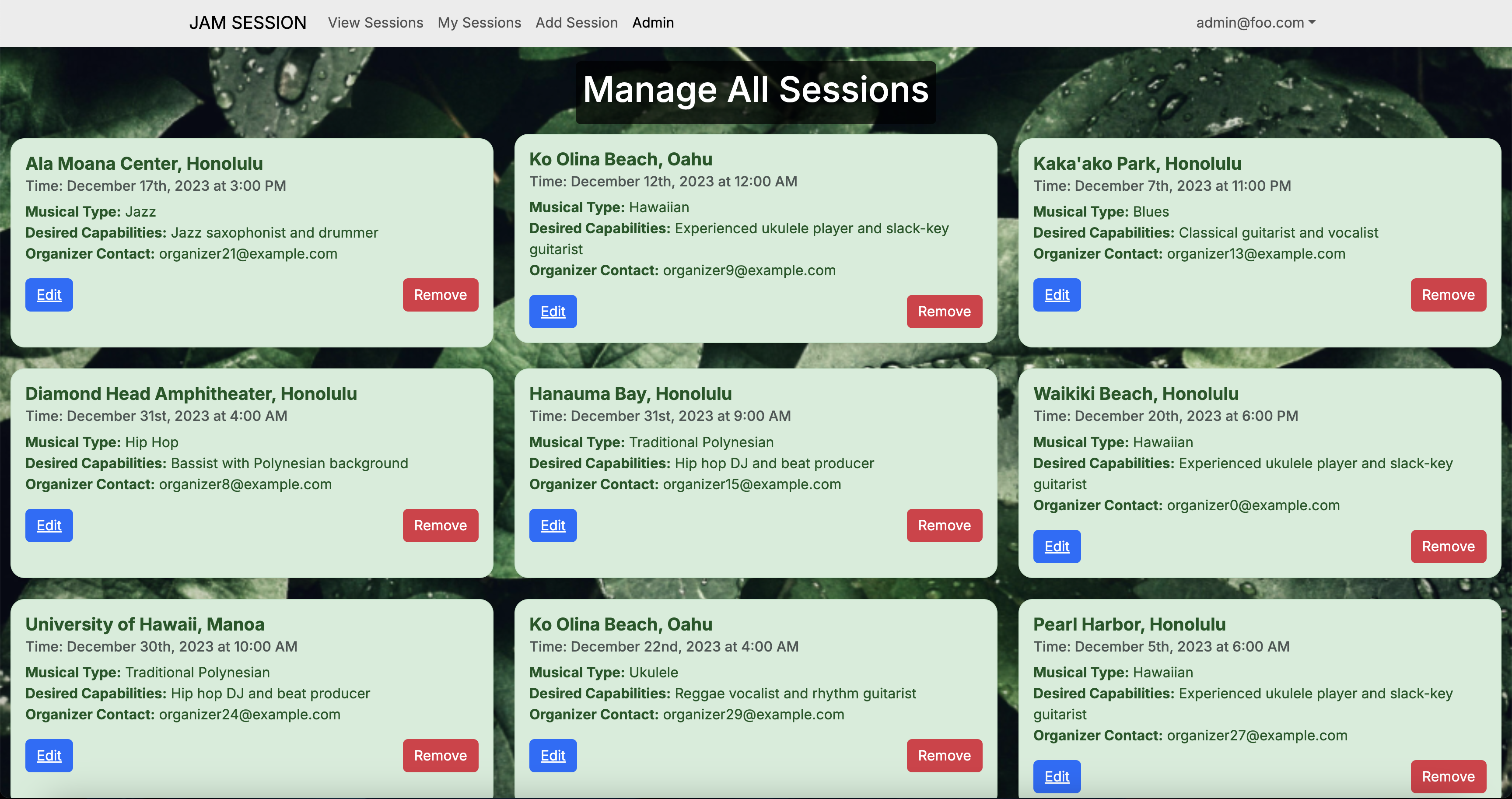
Dedicated Admin page, which admin can edit and remove sessions.
Deployment
Link to our deployment page
Example Enhancements
[Examples of future enhancements will be listed here. Possible improvements may include group chat features, event scheduling tools, or expanded profile options.]
Team
Jam Sesh-ion is proudly designed, implemented, and maintained by: